
Support
secCloud User Guide
A quick guide to get started with the secCloud user interface. Please note there are many options available on the platform that are not covered in this document.
Contents
What the guide covers
- Logging in
- Add a user
- Add an access level
- Assign an access level to a user
- Add a schedule
- Event report
- Filter and print the event report
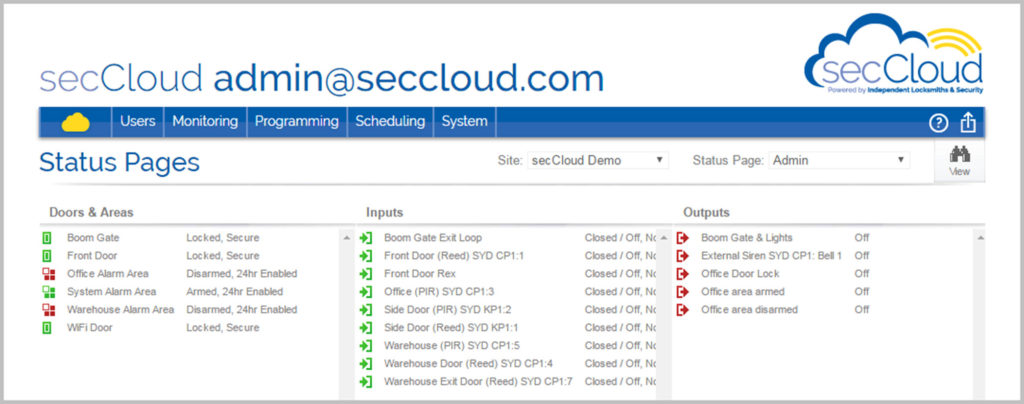
- Using status pages
- Help pages
Click the button to download the User Guide in PDF format.
As you become more familiar with the system you can refer to the help section on the secCloud web page, which is found by logging in and clicking on the question mark in the top right hand corner of the page.
Alternatively, call us on 1300 500 606 and we will take you through setting up and monitoring the system.
Contact
Need a hand with secCloud?
Our support team can log on remotely and walk you through it, or make the change for you.
Phone
1300 500 606 or 1300 500 601
Head office
552-560 Church Street, Parramatta NSW 2150
PO Box 53, Parramatta NSW 2124
PO Box 53, Parramatta NSW 2124
Licensing
Master Licence 000103079